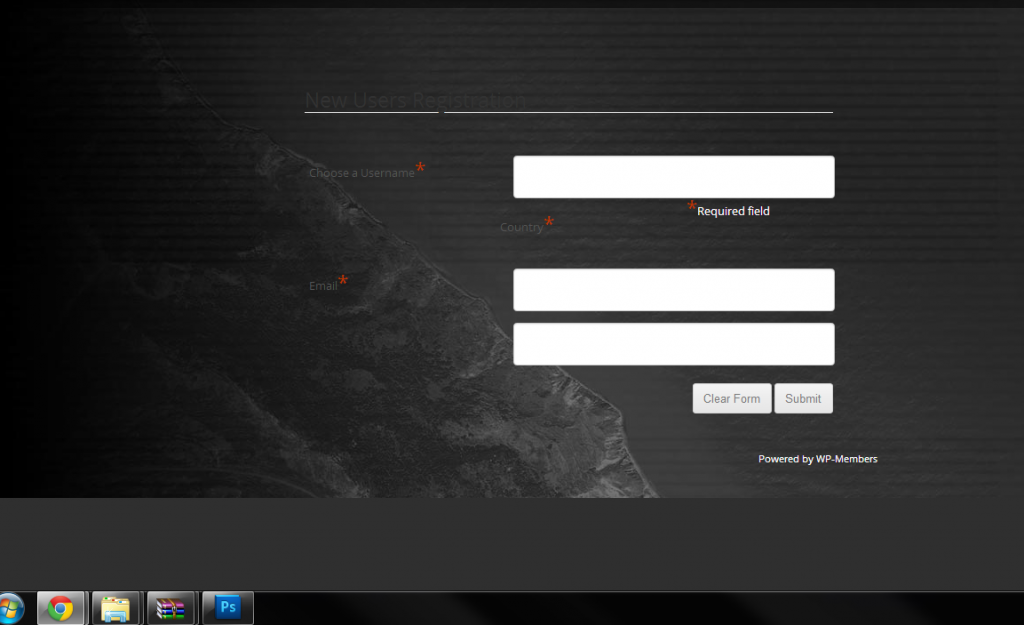
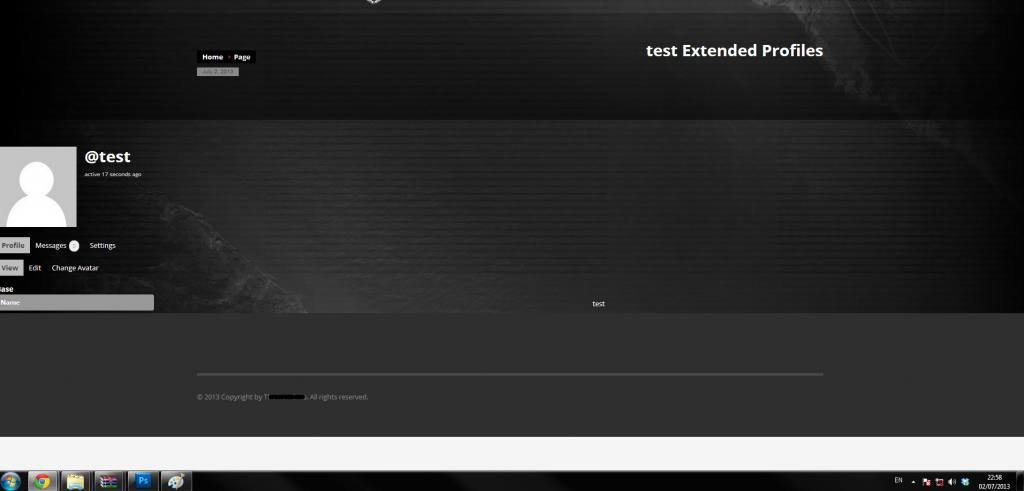
@hugirl
@SpessMehren10
I had the exact same issue, and decided to try adding www. to the beginning of the URL in the WordPress address bar under General Settings. That fixed the issue immediately.
Although this is listed as Resolved, I will still post a reply. I had the exact same issue, and decided to try adding “www.” to the front of the URL in the WordPress address bar (instead of simply http://mysite.com) under General Settings. That fixed the issue immediately.
Can you post your exact code snippet as you put it, not loading probably means a typo in the code.
You can get an example code from https://codex.wordpress.org/Function_Reference/is_user_logged_in , it pretty straight forward. Not much coding knowledge needed.
And what @hnla means is that <font> tag has been deprecated, so use css something like
<p style="color:#306EFF;">REGISTER HERE</p>
thank you so much for taking time to respond to my question,
i am using – buddy multi-purpose -theme from themeforest,(indeed wordpress with bp compatibility but they are not good at support though)
so i will wait for bp 1.8 if i understand you correctly,
big relief
tnx again
Hi Henry,
I’m using WordPress TwentyTwelve theme with the BuddyPress Template pack add on. Reason being that the design provided by our graphic designer was closer to Twenty Twelve than it was for BP default theme. I appreciate that your going to say should have gone with / switch to the BP default theme, but we are 90% through this project now with this one issue outstanding so that will not be possible.
Thanks for your help…
@mewrd you cannot bypass dealing directly with PHP files to customize some or all of your BP pages. Basically BP pages are rendered via the theme’s default page.php file.
i have tried to remove `<?php get_sidebar( ‘buddypress’ ); ?> from them -didnt help
What theme are you using? If you’re using a child theme of the BP Default theme, then that would work on the file you copied over from BP Default theme into your child theme’s folder in server.
However, if you’re using a WordPress theme with BP Theme Compatibility, for BP 1.7 per link hnla gave above you’re limited to customizing the HTML structure wrapping the BP templates to all templates or not at all (see last paragraph). Full customization of HTML wrappers (like removing sidebar for the Members pages only) is possible come BP 1.8 https://codex.buddypress.org/developer/theme-development/template-hierarchy/
@reiniggen if you’re on BP Default theme and you’ve deactivated all plugins except BuddyPress, and the issue is still evident, then please post ticket in BP Trac (login with same username and password used here) and include pertinent information about your installation – e.g. single or multisite WP, WP/BP installed in domain root or subsite, etc. Thank you. https://buddypress.trac.wordpress.org/newticket
@modemlooper
Actually I didn’t get rejected. They are just swamped at the moment with plugin reviews. I am not rejecting your examples either to the contrary I am actually going to take your advice. My point is that there really needs to be documentation to reflect that there is higher expectations
in place now in the codex and here:
https://wordpress.org/plugins/about/
because I have the requirements that it states. Please do no think I am being negative or unappreciative of you or the other volunteers on the review panel. I just think that everyone developing plugins need to be aware that the bar is being raised a bit so they can follow the advice as you have given before they submit the plugin for review. Thanks!
You got rejected and asked why, I explained with code examples and you think It’s not necessary. Why ask for help to only reject the suggestions? Also, this type of response will get you rejected from repo.
The WordPress community is about sharing knowledge and helping each other better the code whether it’s your plugin or core code. No one singled you out. Everyone gets their olugin reviewed and if something can be better then be thankful the volunteers on the repo suggested something. Your users will thank you for having a plugin that doesn’t break their site.
I found this video the best I’ve seen this far, because it keeps it very easy to understand.
It starts with a very basic understanding of what Actions and what Filters do because they maybe sound very overwhelming? when you bump onto them for the first time.
You don’t wanna know how many bbPress or BuddyPress projects I have deleted because I couldn’t understand what actions are, I knew they where spot that you can Hook into but making it happen and writing some code that finally gets Hooked into an action is a different story.
Actions DO stuff.
Filters CHANGE stuff.
I’ve tried to make my own custom add_action for the first time just to see if I was able to Hook into that ‘ bp_group_header_actions ‘ and it worked.
Something as simple as this added an empty span tag above the ‘ bp_group_header_actions ‘ code but the only question that still remains how to I get inside the HTML of this action.
add_action ( 'bp_group_header_actions', 'my_stuff', 1 );
function my_stuff() {
echo '<span></span>';
}
This empty span tag has to go inside that div before the a href tag.

Thanks! And yes the Github is the latest version. It’ll be where all development takes place even when the plugin is on the WordPress repo
@bphelp I’ve tried contacting the developer but there was no way of contacting him that worked. I’ve sent off an email to plugins@wordpress.org to discuss getting commit access to the plugin as I feel this would be best for current users of the plugin, as well as give the plugin a better launch pad if I’m honest.
Thanks for the kind words!
@darrenmeehan
I mean when are you going to fork it and have it on the WordPress repository, or have you gained permission from the original author to overtake the updates? I really would like to see this on the repository! Thanks!
I just found on the Show Options drop down menu, on the Appearance>editor page, a link…
https://codex.wordpress.org/Child_Themes
Just one quick look at that and I see a picture with a folder tree, and I now assume that I am suppossed to be creating this child theme folder inside my wordpress installation folder. Unfortunately I never saw anything simply writting that anywhere.
That was the key thing I was missing here I guess, the whole time I was looking around inside wordpress application for something, when its in the ‘Installation’ files id say.
I think they could have just written that somewhere. Obviously Its not really obvious.
Thanks for replying, I still have a problem, because I have found that link already, and read through it but I still cant find how to create a child theme.
On that site, in that document it says…
[[
Let’s Start Building!
The bp-default theme is located in the BuddyPress plugin folder at /wp-content/plugins/buddypress/bp-themes/ so it can be updated along with the plugin. WordPress knows where it is, even though your own child theme folder is in /wp-content/themes/.
A. Create a new theme folder
The first step is to create a new theme folder and give it a unique name. For this example, the theme is called “BuddyPress Dusk” and so we’ll name our folder bp-dusk. We’ll be uploading the bp-dusk child theme folder to wp-content/themes/.
]]
(that is the first instructional step) This doesnt make sense to me, cause I dont know where I should be and how to do this…this is what I am asking for help with. I cant find anything that actually tells me how you start to create a child theme.
@modemlooper
Yes I am familiar with wrapping everything in a class. I have used this method in a small plugin I have on github. I appreciate the advice again!
P.S. I have your site listed on my blog as a place to get awesome premium BP plugins so I hope you don’t mind. http://bphelpblog.wordpress.com/
I’ve updated the BuddyPress Like Plugin so it should now work properly on your buddyPress sites running the latest 1.7.x version.
I’ve been testing it myself on a few sites and it seems to be working ok. I;ll be continuging work on this, and hopefully releasing it to WordPress.org soon (it would be great if I could get the old plugins repo for users running the older version)
For the moment its available to download on Github
Current issues
Some more work needs to be done to the css and markup to properly integrate with themes.
Need to check for more bugs
Any feedback would be greatly appreciated!
Hello Buddypress support,
I upgraded from version 1.7 to 1.7.2 version of buddypress and my spanish translation is not working. I did verify the .po .mo files in the /wp-content/languages folder and they are there but is not doing nothing. I have the latest version of wordpress 3.5.2 installed in my server.
Please let me know if I need to provide some more info to fix this issue.
Thanks
https://wordpress.org/themes/
filter by buddypress responsive
@mewrd thanks for your prompt reply. What other free theme do you suggest that looks similar, that is WordPress and BuddyPress compatible and also responsive. Ideally am looking for a theme that looks like this current one.
Thanks in advance.
Benjamin
i am also a newbie but if i am not mistaken the theme you have selected is not buddypress compatible(only wordpress)- and you may encounter even more difficulties later is it possible to change theme?
Am using WordPress 3.5.2, BuddyPress Version 1.7.2 and BBPress Version 2.3.2. The theme is a custom theme. This is the the link http://mythemeshop.com/themes/ribbon/
Here is how its behaving http://www.disqusnow.co.uk/groups/test-group/forum/. Still working on the look.
@mercime Am using WordPress 3.5.2, BuddyPress Version 1.7.2 and BBPress Version 2.3.2. The theme is a custom theme. This is the the link http://mythemeshop.com/themes/ribbon/
Here is how its behaving http://www.disqusnow.co.uk/groups/test-group/forum/. Still working on the look.