OK it won’t let me post code at all for some reason. I’ve added the code described in Group Extension API under Advanced Usage.
I’ve tried to follow the instructions in Group Extension API on how to restrict the tab to certain pages. I believe I’ve integrated the code correctly but it seems I need to do something else to tell it which groups I want to restrict it to but I can’t tell what.
I’ve had difficult posting the code on here – I keep getting blank pages – but I’ll try to post it in subsequent posts.
I need to know what I should do in order to:
1. Restrict the tabs so they only appear in certain groups
2. Customise the content of the tabs so it’s different for each page
Hello, I just upgraded a clients site from a 2010 install of Buddypress to 1.6. Couple of weird things – in our groups and members sections all the old avatars have gone – ie those generated by registration procedure. The only ones that remain are the ones that have actually been uploaded bu myself or users. Is this correct? Does 1.6 no longer support those funny little profile avatars anymore?
Thanks
James
Thanks for this, guys.
@modemlooper: actual humans? Hmmm… never thought of that. Could be. I’ll just delete them case-by-case.
@gh0zt: Using FB… that’s an idea but I know that some of my users hate (and do not use) FB.
@4ella: I assumed spammers just rolled over their IPs continuously.
Will study and try these ideas. More welcome. THANKS!
My BuddyPress plugin is enabled but the avatars and functions of BuddyPress are not working like he was off!
When I access the settings page I get:
Without sufficient permissions to access this page.
All these problems started happening after the 1.6 update! What do I do?!
Since upgrading to Buddypress 1.6 some of my site’s users who are at subscriber level are seeing parts of the WordPress Toolbar which they should not be able to.
This only affects some subscribers. I have not been able to replicate the problem myself but I have seen screengrabs.
This only happens when they are browsing in the Forums. It does not happen when they go into the Group menu. Logging out and logging in does not appear to make a difference, nor does me clearing the cache (I use W3 Total Cache).
They are able to see if there are comments awaiting moderation, however they are not able to follow the link to them as they do not have sufficiently high permissions. They can also see the ‘+ New’ menu. And they can see another menu placed there by a plugin which should not be visible to them.
As I am not able to replicate this at the moment I’m at a loss to understand what’s wrong and wonder if it might be a bug?
@rodtrent
Throw out the idea of having a page structure like this:
Activity Stream (parent)
– Members
– Groups
– Forums
Instead, use a ‘dummy’ page or whatever you call it as the parent page:
Dummy page (parent)
– Activity Stream
– Members
– Groups
– Forums
The idea is to assign the dummy page with your desired base slug.
Though, you might notice that if you open the dummy page you’re left out with an empty page. Therefore if you want you can also redirect the dummy page to Activity Stream page so that the dummy page will be inaccessible.
At least at the moment, this is better than having to deal with the 404 pages right 
I’d suggest you give BuddyPress 1.6 a whirl – it’s kind of similar to that mockup for the bar http://testbp.org/
I’m starting to dig into buddypress and still relatively new to wordpress/buddypress and php but have some web dev experience.
I wanted to get feedback to see if anyone had ever seen an implementation like this mockup – http://support.prontomarketing.com/attachments/token/5qfggcslou4yrpq/?name=Screen+Shot+2555-08-07+at+9.28.33+PM.png
In short, I want to move the WordPress Admin Bar functions into the site navigation bar for the user Avatar, notifications, and dropdown links. Might take it one step further to make messages it’s own icon with dropdown as well.
Is this possible or does it really go against the nature of the WordPress Admin Bar?
@k12onos I don’t understand what fixed it for you.
Updating to 1.6 causes my wordpress plugin shortcodes (stextbox, wpui, mingle theme) to stop working. Tabbed content doesn’t show, accordions stop collapsing etc. When I disbale Buddypress it all works fine.
@r-a-y
Hi, thanks for your reply.
Actually, this happened really fast. I was just a few hours on 1.5.7 when the new 1.6 update comes in. I can’t remember what exactly happened, but it is working in my local install of a WP 3.4.1 with BP 1.5.7. This is a mirror of what was upgraded into 1.6. Though I haven’t tried to recreate it on a new install because I don’t have the zip installer for 1.5.7.
But, the temporary fix that you mentioned works great, and it fits my initial purpose of having a “slug prefix/base” before the buddypress pages. Thank you for that
Hi Paul,
yes I did read through the page and have taken the appropriate steps to check things at my own end.
I updated my theme, tried to use the default buddypress theme for testing, cleared my cache, disabled plugings, even repaired and optimised my db thru cpanel. But the 404 error persist!
You didn’t confirm that you read through the first link that karmatosed provided. Please confirm of you’ve read through https://codex.buddypress.org/releases/version-1-6/upgrading-to-1-6/ and taken the steps appropriately.
@r-a-y, thanks for clearing that up. It worked!
@shawn38, yes, that’s what i did, it’s works perfectly now. thanks.
Thanks @karmatosed
My problem is similar to that posted by @r-a-y but with a difference that I am not using activity page as the parent page.
I am not using activity page as the parent page to other pages but I still get a 404 for profile pages, forum threads, groups etc.
blog.com/members/username
blog.com/bb/forum-thread-title
blog.com/groups/group-title
I can open the members page, forums page and groups page but then clicking on any members profile on member’s page or on a thread title in forum or on a group title in the groups page leads to 404. Everything was working perfectly before the 1.6 update.
I’ve now posted something on the S2Member forums letting them know about the specific issue and asking for a timescale fix: http://www.s2member.com/forums/topic/buddypress-1-6-errors/
Thanks for all your help Karmtosed, sorry to have wasted any of your time digging for something that wasn’t BP’s wrongdoing.
Just throwing this in here but is S2 member (or those others) updated for BuddyPress 1.6? http://www.s2member.com/forums/topic/buddypress-1-6/ seems to indicate to me no.
I found the quick solution! I clicked Appearance > Theme Options in the WP dashboard, there was a little tip that talks about the new WP admin bar. So I added `define(‘BP_USE_WP_ADMIN_BAR’, false);` to my wp-config.php file right above “/* That’s all, stop editing! Happy blogging. */” and it worked perfect!
Personally I was disappointed in the absence of a quick option to just go back to the BuddyBar, the new WP admin bar just didn’t appeal to me. Happy BuddyPressing!
Hi Kris3d, first up you’ve probably seen it but can you confirm you’ve followed the steps in this thread? https://buddypress.org/community/groups/how-to-and-troubleshooting/forum/topic/transitioning-from-1-5-x-to-1-6/ Just want to know what stage you are at in diagnosing. Can you also confirm you’ve checked and are using BuddyPress 1.6 versions of any theme or plugins you are using?
That all being said have you tried resaving your settings under settings > BuddyPress and resaving your permlinks under settings > permlinks? Are you using any caching plugins? If so have you tried clearing them? I know some hosting has cache enabled that may be causing issues for you here, it may of course not be the issue though.
Assuming all that is there anything in your error logs on your server that may shed some light? Rather than pasting the entire thing you can use something like https://gist.github.com/ and link in that way please?
Just as as sanity check have you both looked at this thread: https://buddypress.org/community/groups/how-to-and-troubleshooting/forum/topic/transitioning-from-1-5-x-to-1-6/. I know it may not be relevant but trying to throw something into the mix that may help.
Assuming you’ve upgraded all themes / plugins to 1.6 versions also then I think what is needed here would be information on your setup.
For instance: what did you upgrade from? What theme / plugins are you using? Anything else in your error logs? You can use something like https://gist.github.com/ to paste then link to your error logs.
Hi lifemore, can you confirm you followed the steps in this thread: https://buddypress.org/community/groups/how-to-and-troubleshooting/forum/topic/transitioning-from-1-5-x-to-1-6/. Also what version of WordPress / BuddyPress did you upgrade from? I assume you’ve checked that both your theme and / or plugins using with BuddyPress are also upgraded to versions for BuddyPress 1.6?
Have you tried re-saving your settings for BuddyPress and permlinks under Settings >BuddyPress and Settings > Permlinks?
If all that is correct, could you please if possible provide a link or find out what path is being called for the images. Be helpful to see what the image is being listed as even if it’s a wrong file.
Think there’s something very wrong here.
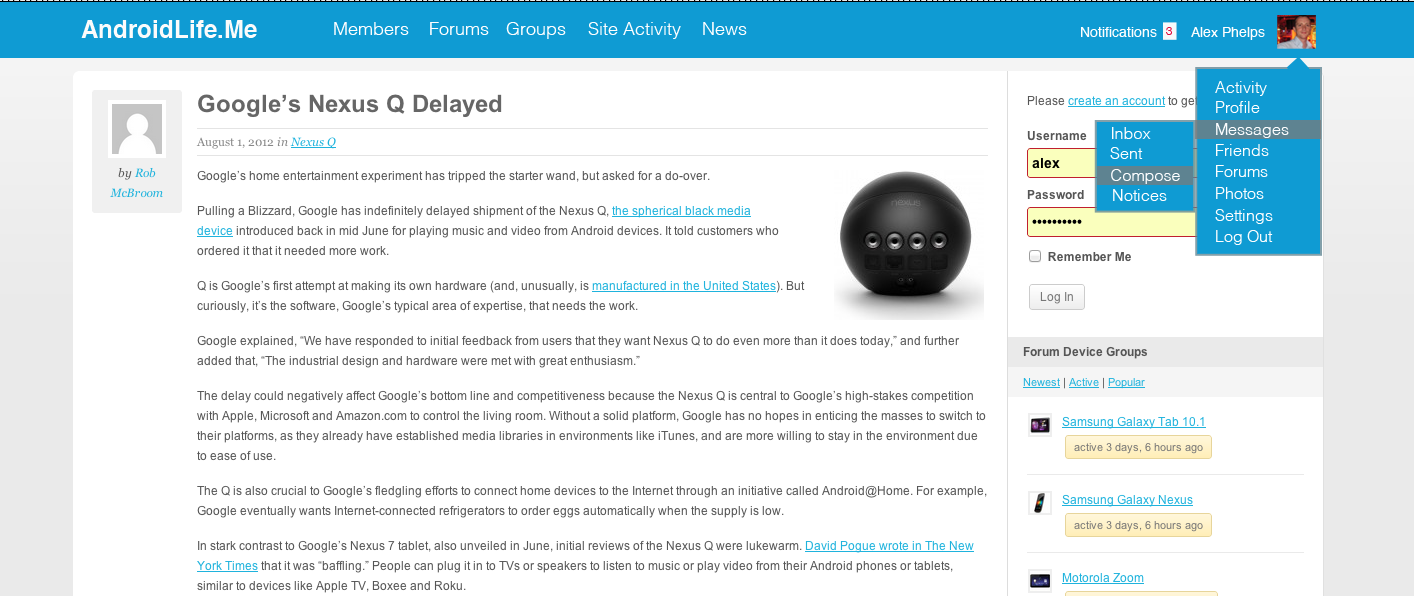
After disabling the WP Toolbar with the code snippet listed here:
https://codex.buddypress.org/releases/version-1-6/upgrading-to-1-6/#important-changes-to-know
The BuddyPress meny does not show at the top of the admin bar
What’s this?


Hi,
I’m using WP 3.4.1 and BuddyPress 1.6.
in the Activity stream page, when a user post a comment to a status/update, it is supposed to load the comment automatically without refresh, right?
In my case, the new comment did ‘seem’ to appear below the status, but it only shows
`replied
Reply Delete
`
(exactly like this)
So the avatar, username and comment content are not displayed.
Though it looks normal once I refreshed the page, I’m concerned that this will make user confused. I have tried changing back to the BP default theme, but the same thing still happens.
I’m not sure where to start troubleshooting?
Can anyone advise me on which areas should I take a look? Then maybe I can give more information to pinpoint what causes the problem. Thank you