Search Results for 'buddypress'
-
Search Results
-
Here is the error. Any ideas?
An error of type E_ERROR was caused in line 113 of the file /var/www/wp-content/plugins/buddypress-followers/_inc/bp-follow-widgets.php. Error message: Uncaught Error: Call to undefined function create_function() in /var/www/wp-content/plugins/buddypress-followers/_inc/bp-follow-widgets.php:113
Stack trace:
#0 /var/www/wp-content/plugins/buddypress-followers/bp-follow-core.php(71): require()
#1 /var/www/wp-content/plugins/buddypress-followers/bp-follow-core.php(46): BP_Follow_Component->includes()
#2 /var/www/wp-content/plugins/buddypress-followers/bp-follow-core.php(347): BP_Follow_Component->__construct()
#3 /var/www/wp-includes/class-wp-hook.php(308): bp_follow_setup_component(”)
#4 /var/www/wp-includes/class-wp-hook.php(332): WP_Hook->apply_filters(NULL, Array)
#5 /var/www/wp-includes/plugin.php(517): WP_Hook->do_action(Array)
#6 /var/www/wp-content/plugins/buddypress/bp-core/bp-core-dependency.php(333): do_action(‘bp_loaded’)
#7 /var/www/wp-includes/class-wp-hook.php(308): bp_loaded(”)
#8 /var/www/wp-includes/class-wp-hook.php(332): WP_Hook->apply_filters(NULL, Array)
#9 /var/www/wp-includes/plugin.php(517): WP_Hook->do_action(Array)
#10 /var/www/wp-settings.php(480): do_action(‘plugins_loaded’)
#11 /var/www/wp-config.php(102): require_once(‘/var/www/wp-set…’)
#12 /var/www/wp-load.php(50): require_once(‘/var/www/wp-con…’)
#13 /var/www/wp-admin/admin.php(34): require_once(‘/var/www/wp-loa…’)
#14 /var/www/wp-admin/index.php(10): require_once(‘/var/www/wp-adm…’)
#15 {main}
thrownHello! We are using buddypress as a plugin for an intranet. We use the groups as company departments, and we manage the users as administrators.
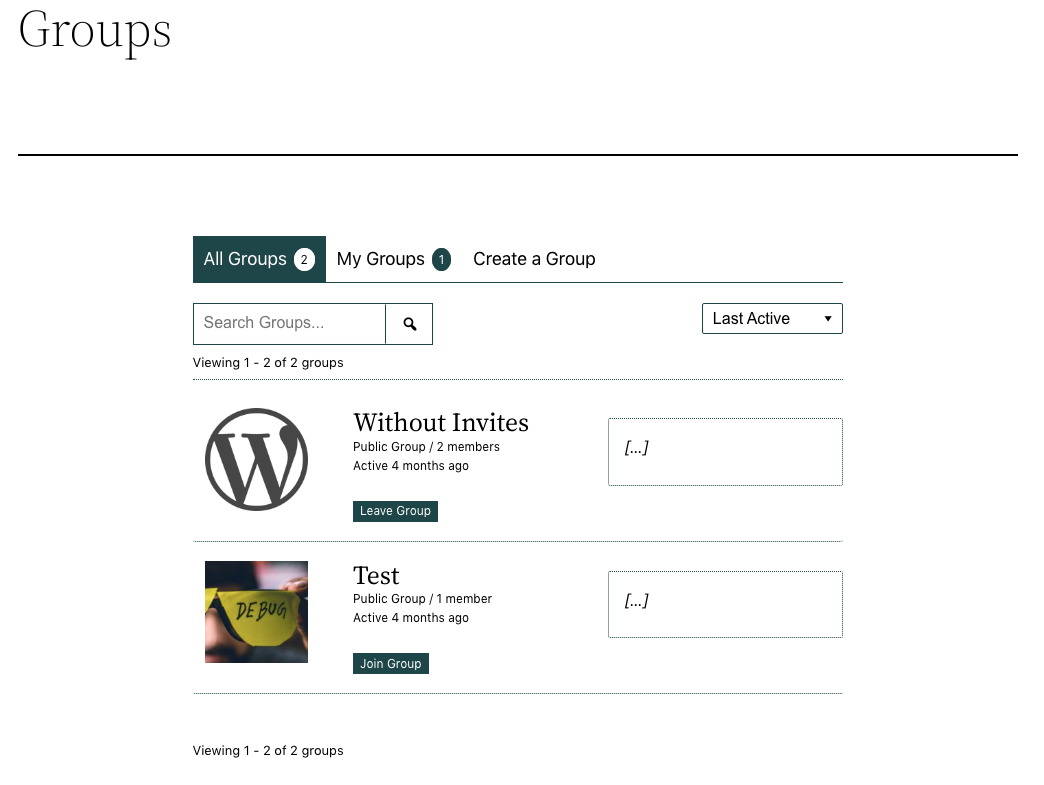
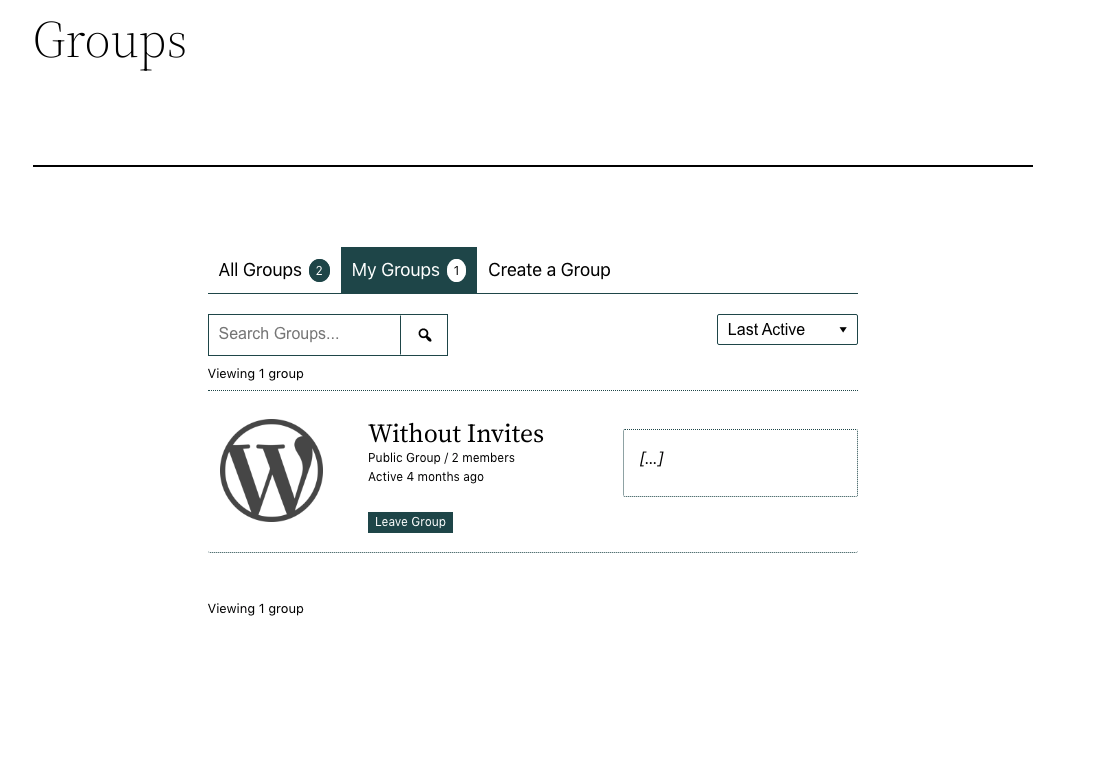
Then it is bad for us, that the users get the button to participate / leave the group, because they can inadvertently leave or enter the wrong department.
Is there some kind of snippet that can hide these buttons? Thank you
I am thinking of intalling BuddyPress just to make use of some of its functionality, such as Walls.
If the time needed for content moderation is limited, is it possible to turn off all uploads of photos, videos and multimedia for users?
Topic: BuddyPress Navigation Widget
Some strange things happening here. The BuddyPress Navigation Widget only shows he Logout link and none of the other links. The members page has sidebar on it where I have the widget. These links are not there:
Profile
Notifications
Messages
Friends
Groups
SettingsI added that same widget to the footer page and if I navigate off the members page to say account page it shows the links in the footer. Why is it not showing on the members page sidebar?
Topic: Facebook-style ads
Does anyone know where I can get an ads plugin that’s similar to the ads that Facebook has? Where users can create their own ads within their BuddyPress accounts? I’m not talking about Classifieds where users are selling things ebay-style (there seems to be plenty of those), just regular ads.
Hello,
I have this error I can’t get rid off at my website: https://meestergijs.nl/. Any idea what it is and how to fix this? Thanks!
2023/02/25 18:47:55 [error] 17178#17178: *4900270 FastCGI sent in stderr: “PHP message: PHP Warning: Undefined array key “profile” in /www/meestergijs_294/public/wp-content/plugins/buddypress/bp-core/classes/class-bp-core-bp-nav-backcompat.php on line 111
Gijs
Topic: Pages still showing
Hello
I have installed Buddypress Members Only on my site and I can still see all the pages when I am logged out. Help! have I misses a setting somewhere?
Here is the site https://onemsl.crazygecko.co.uk/
Thanks in advance,
Bryony.Hi,
Can I build news feed and without registering customers but I need groups who will be posting to news feed? Is it possible with buddypress?
Thanks.
I need people on my site to be able to correspond and send files to each other, as well as to be able to create groups for a large number of people.
Hello,
I’m working on a site for a charity, it’s in development at the moment. I’m using buddybuilder pro with Elementor to create custom Buddypress pages for Groups and Members listings.
On these listings pages, each member/group should be displayed in lists of 3 columns with space in between. Occasionally it will display properly, but most of the time it ignores my settings and displays all the members/groups squashed up together with no space in between.
I’m using buddypress version 11.1.0, and WordPress 6.1.1
Elementor Hello theme is installed, and the problem persists when I switch to one of the WordPress default themes.
I’ve disabled all plugins one by one except for the necessary ones (Elementor, BuddyPress, Buddybuilder) and the problem persists.
This is a link to the ‘members’ page – usually only logged in members would be able to see the members list but I’ve enabled guests to be able to see it for testing: https://bethr22.sg-host.com/members/
If anyone has any insights I’d be very grateful… I just can’t figure out what’s causing the display issues!
Topic: Manage signup confusion
I am trying to incorporate the new request membership feature that has admin approval of all membership. But it is confusing. It seems that instead of having anyone can register selected in the vernal wordpress setting that needs to be unchecked. Then that allowed the Buddypress option to be set for admin approval though the manage signup
Is that correct? I am having a hard time getting it to work. Any advise or input is appreciated. I would prefer to use this np built in feature instead of using a plug-in
Hello Team,
Whenever any user registers on the website, they get a welcome email from BuddyPress. I want to disable that default welcome email. I’ve tried using plugins and some custom code but the problem was not solved. Is there any way to deactivate that email? The code I tried was:
“add_filter(‘wpmu_welcome_notification’, ‘__return_false’ );”
Looking for help
Thank youHello,
I would like to change the default Buddypress avatar type.
In bp-core-avatars.php, “bp_core_fetch_avatar” function is set to “thumb”.How to set to “Full” in my theme ?
Thanks for your help !
I recently added BuddyPress to an existing site for my Scout troop, but for some reason the registration fields do not function. The fields show up, but are not editable. I’ve been digging for documentation to help troubleshoot this, but I cannot find anyone else with the same problem. HELP!
Topic: Blog Posts No Longer Showing
We use BuddyPress (Version 11.1.0) with WordPress 6.1.1. On our site, members are able to log in and then post their notes (i.e. blogs” to their accounts. However, some members are no longer able to see previous notes their posted when they log in. However, we can see them on our end on the dashboard (but also can’t see them on their account).
Some members are also reporting a 500 error message when they go to their notes section or a message that they have not posted anything (which isn’t true since they have posted several notes that were showing up previously).
This just started happening so we are wondering if it was due to an update?
Thank you for any advice!